Check the site works correctly (part 3)
Get comfortable testing things.
Let's add another test case. 💪
But before that, here's a tip. In some situations you want to repeat actions and assertions until they are passing. expect().toPass is fantastic in these cases.
These can be helpful when DOM elements are reordered via JavaScript.
// click on the button and check if it's gone
// repeat until the button is gone or fail
await expect(async () => {
  const button = page.getByRole("button", { name: "Review order" });
  await button.click();
  await expect(button).toBeHidden();
}).toPass();
For example, if Playwright finds an actionable button it'll immediately click it. But maybe the application isn't ready then because some JavaScript still needs to be loaded. In these situations, repeat the click and assert for your expected result.
toPass retries a block of actions and assertions. If you only need to wait
for a non-DOM value (an API response, something in localStorage),
expect.poll is the
smaller sibling — it polls the value and runs a single matcher against it.
await expect
  .poll(async () => (await fetch("/api/health")).status, { timeout: 10_000 })
  .toBe(200);
But let's get to another test case!
Navigate to the products page and validate that the price sorting works correctly.
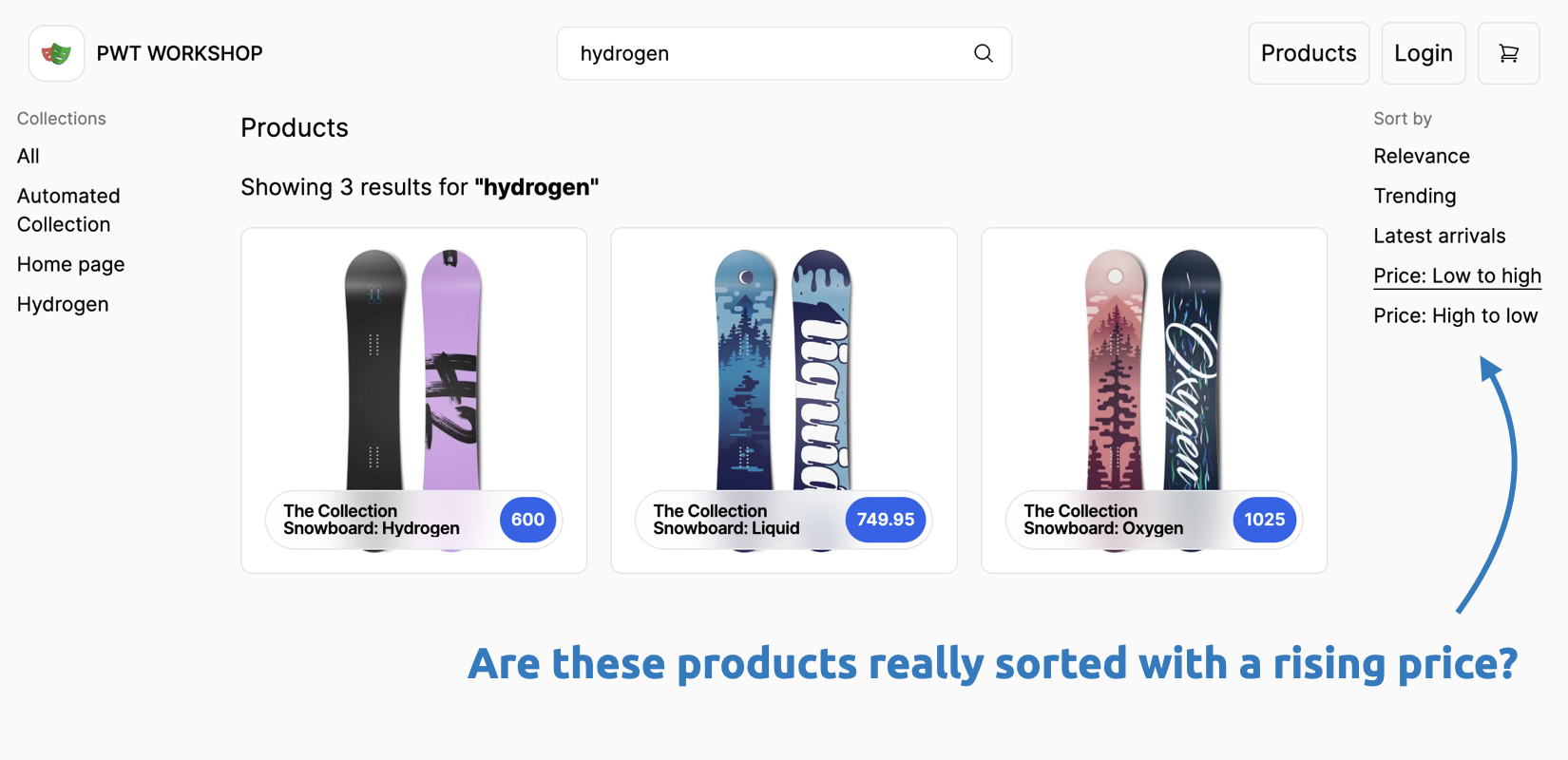
Here are two handy one-liners to check if values in an array are sorted ascending or descending. You might need them. 😉
const isSortedAsc = (arr) =>
  arr.every((element, index, array) => !index || +array[index - 1] <= +element);
const isSortedDesc = (arr) =>
  arr.every((element, index, array) => !index || +array[index - 1] >= +element);
Browse the product catalog.
- Click on the top-right Products link.
- Sort the products by price (asc/desc).
- Test if the products are sorted correctly.
💡 If you're stuck, find a working example on GitHub.